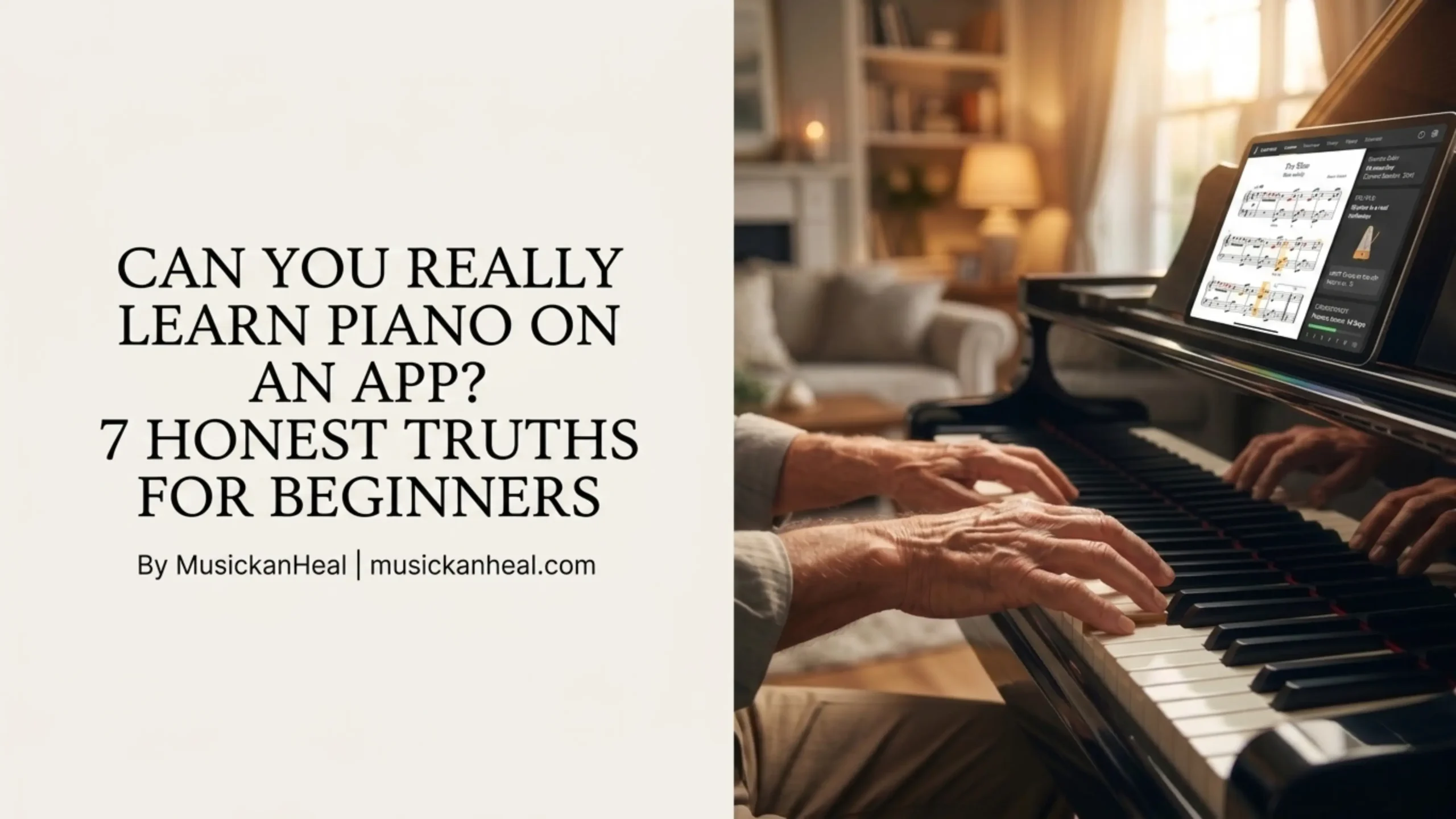
Can You Really Learn Piano on an App?
The short answer is yes — you can learn piano on an app. But whether you should, and what you’ll actually walk away knowing, is a longer conversation that most articles skip entirely.
What most articles also skip: research from the University of Bath found that even a few weeks of piano learning improved participants’ cognitive processing and reduced reported depression, anxiety, and stress. The reason to learn isn’t just musical — it’s mental. That context matters when you’re deciding whether an app is worth your time.
There are hundreds of piano learning apps on the market. People try to learn piano on an app with big goals, and within a few weeks, most of those apps are buried on page three of their phones. That’s not a coincidence. It says something specific about what these tools do well and where they fall apart.
This guide doesn’t rank apps or tell you which one has the prettiest interface. It tells you what is actually true about trying to learn piano on an app — the wins, the ceilings, and the one thing most apps get fundamentally wrong.
Can You Really Learn Piano on an App? (The Honest Answer)
Yes, with conditions.
A good piano app will teach you real things. You’ll learn how to find notes on a keyboard, play basic chords, read simplified notation, and work through beginner songs at your own pace. For someone starting from zero, that’s not nothing — that’s a real foundation.
The more honest answer is that apps work best when your goal is specific and modest. If you want to play a handful of songs you love, understand basic chord progressions, or finally sit down at a keyboard without feeling completely lost, an app can get you there.
If you want to play Chopin or become a serious performer, you will eventually need a teacher. No app closes that gap. The good news is that most people reading this article don’t want to play Chopin. They want to play music they enjoy, on their schedule, without paying $80 an hour for lessons they can’t always make.
What Can You Actually Learn From a Piano App?
More than people assume, but less than the app stores suggest.
Most quality piano apps cover the basics thoroughly: reading treble and bass clef, hand position, coordination between your left and right hand, basic scales, and common chord shapes. Some go further into music theory — intervals, keys, and simple improvisation.
What you won’t get is depth on technique. Posture, wrist angle, the way weight transfers through your arm into the keys — these matter, especially as you progress. Apps can tell you what to play. They can’t watch how you’re playing it.
Check out our guide to the best piano app features that actually matter to understand what separates a quality learning experience from a flashy one.
If you’re starting from scratch, the gap between “what the app teaches” and “what a teacher would catch” isn’t a crisis in the first few months. It becomes one around the six-month mark, when bad habits start limiting your progress. Keep that timeline in mind.
What Piano Apps Won’t Teach You (And Why Most People Quit)
This is the part that gets glossed over in every listicle about the best piano apps.
Most apps teach you to follow. You watch a falling note, you press the key, you get a green light. Do it again, faster, with both hands. That’s the core loop. It’s satisfying at first, and then it plateaus hard.
The problem is that following isn’t the same as understanding. You can tap through a song perfectly and still have no idea what key it’s in, why those chords work together, or how to play something similar by ear. The app doesn’t need you to understand — it just needs you to follow.
That’s why so many people quit. They finish a few songs, feel good, hit a slightly harder piece, and suddenly the system stops working. There’s no foundation to fall back on because the app never built one.
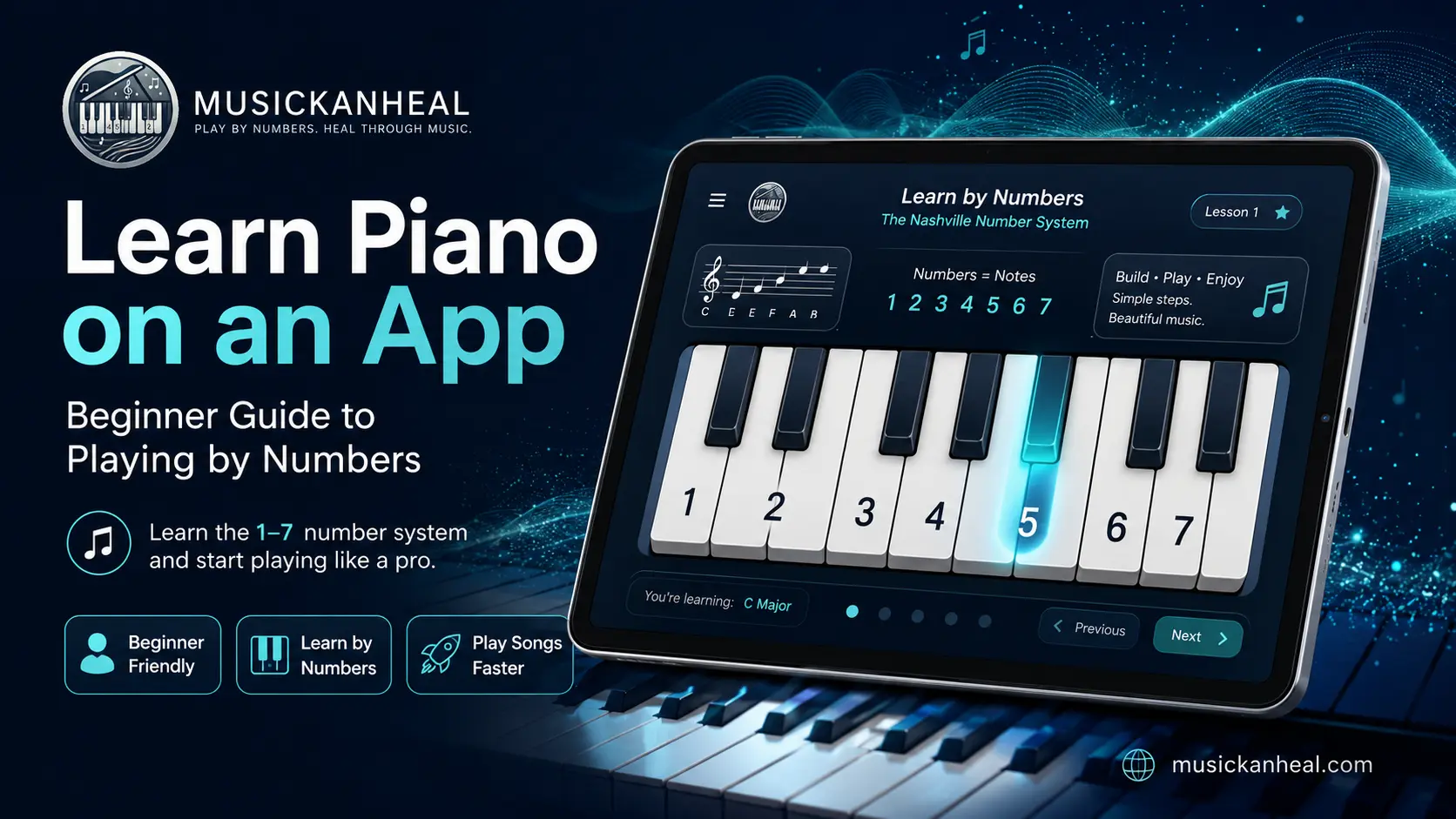
Real learning happens when you understand the logic behind what you’re playing. Some approaches — like the Nashville Number System — strip the theory down to a simple pattern that makes sense immediately, even to complete beginners. The result is that you can play in any key without starting over every time.
Here’s a full breakdown of why traditional sheet music and number-based systems produce very different results for beginners.
How Long Does It Take to Learn Piano on an App?
Realistically: two to four weeks to play simple songs you recognize. Two to six months to feel genuinely comfortable with beginner material. A year or more before anything you’d call “intermediate.”
Those timelines assume consistent daily practice — even 15 to 20 minutes a day. Skip a week, and you lose more than a week’s worth of progress. The muscle memory and finger coordination that piano demands builds slowly and degrades fast when you stop.
The honest comparison is to language learning. Duolingo can get you to conversational basics. It won’t make you fluent. Piano apps follow the same curve. You’ll get real results, real skills, and a real ceiling that you’ll need other tools to push past.
For a detailed breakdown of what’s realistic at each stage, read our piece on real piano learning timelines when using an app.
Do You Need a Real Piano to Learn Piano on an App?
No, but it helps more than most people admit.
A 61-key digital keyboard under $100 is enough to get started. You get weighted or semi-weighted keys, proper spacing, and the physical feedback that teaches your fingers where to go. Practicing on a touchscreen is better than not practicing at all, but the transfer to a real instrument takes longer when you skip the keyboard entirely.
One practical note: if you’re using an app that listens to your playing via microphone — which most quality apps do — you need an actual instrument for that feedback loop to work. The app hears what you play and tells you whether you’re right. Without keys to press, that core feature doesn’t function.
For people who travel a lot or don’t have space for a keyboard yet, starting with the app’s on-screen keyboard is fine. Just plan on getting even a basic instrument within the first month if you’re serious about it.
The One Thing Most Piano Apps Get Completely Wrong
They’re built around sheet music.
This sounds like a small design choice. It isn’t. Sheet music is a system that was built for trained musicians. Learning to read it is its own skill — one that takes months to develop and feels completely disconnected from the actual act of making music at the piano.
Most beginners don’t want to learn sheet music. They want to play songs. But because apps default to traditional notation, they front-load a learning curve that has nothing to do with actually touching the keys. People hit that wall, decide they’re “not musical,” and quit — when the real problem was the teaching method, not the person.
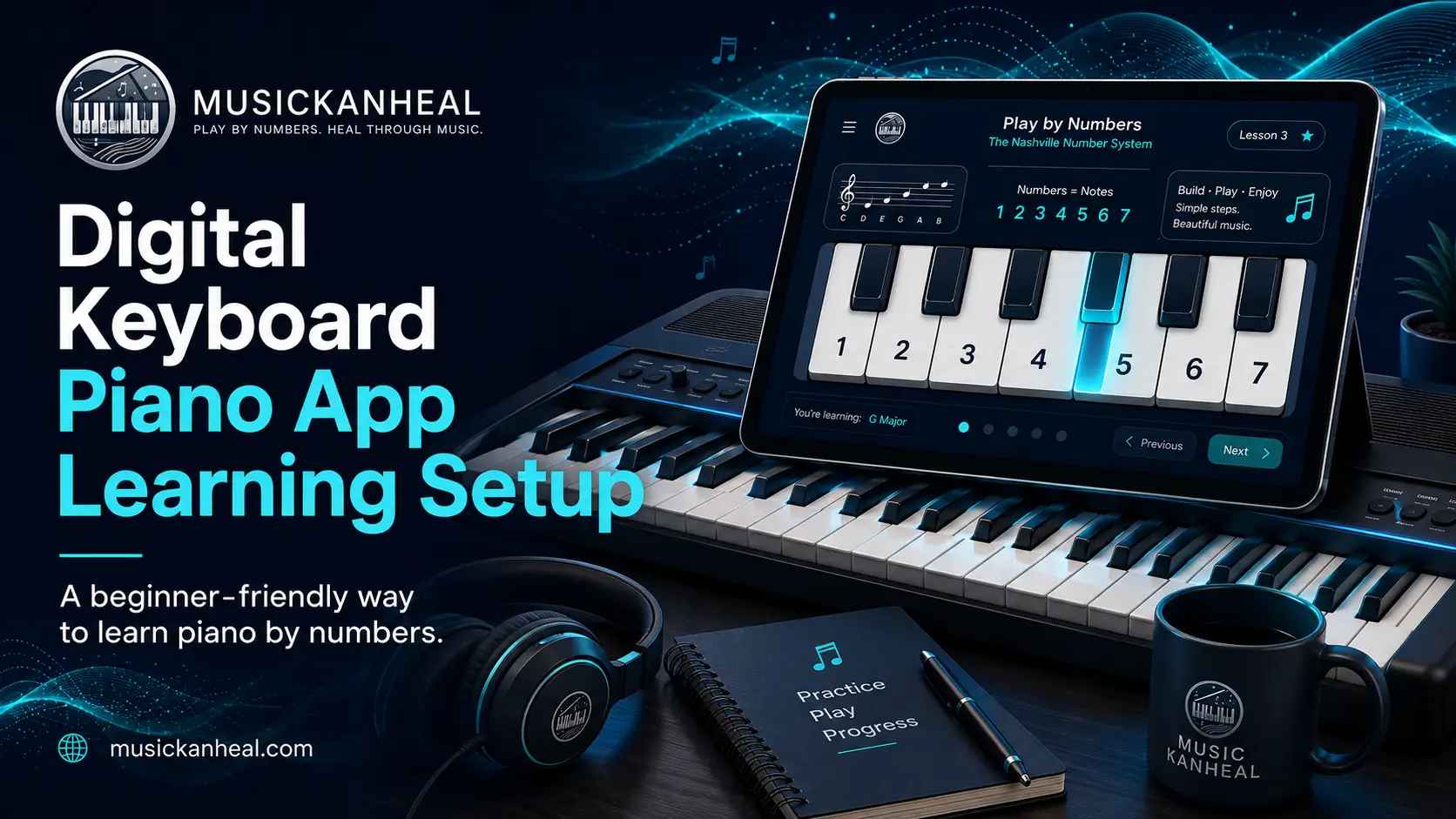
This is exactly the problem the Nashville Number System solves. Instead of reading notes on a staff, you learn a simple pattern of numbers (1 through 7) that maps directly to chords in any key. You can learn the system in an afternoon and play real songs the same day. No sheet music required.
It’s not a shortcut or a workaround. Professional musicians use it every day because it’s faster, more flexible, and more musical than traditional notation for many styles of playing. If trying to learn piano on an app has frustrated you in the past, there’s a real chance the method was the problem, not your ability.
7 Honest Truths About Learning Piano on an App
Apps are genuinely useful — for specific goals
If your goal is to play songs you enjoy, understand basic chord progressions, or get comfortable at a keyboard for the first time, a good app will get you there. The people who struggle are the ones who expected it to replicate a full music education. It won’t. No app does that.
Frequency beats duration — every time
15 minutes a day, five days a week, outperforms a two-hour Sunday session. This isn’t motivational fluff — it’s how motor memory actually consolidates. The biggest factor in your timeline isn’t the app you pick, it’s how often you sit down.
Following notes is not the same as understanding music
The core loop of most apps — watch a falling note, press the key, repeat — builds familiarity with specific songs. It doesn’t build transferable musical knowledge. You can play a song perfectly and still not know what key it’s in. That gap matters.
The plateau hits at month 2–3, not month 12
Early progress feels fast because everything is new. Around month two or three, novelty fades, songs get harder, and progress feels slower even though it isn’t. This is the window where most app learners quit. The ones who push through it — by slowing down rather than skipping — are the ones who reach a satisfying level.
You need an actual keyboard within the first month
Touchscreen practice is better than nothing. It is not a substitute for keys. The physical feedback — weight, spacing, resistance — is what builds the hand muscle memory that makes you a pianist rather than someone who’s good at a phone game.
Gamification is a retention tool, not a learning tool
Streaks, badges, and points are engineered to keep you opening the app. They are not the same as getting better at piano. If you’re more focused on your streak than on whether your left hand is clean, you’re playing the game, not learning the instrument.
The method matters more than the app
A great method in a mediocre app beats a mediocre method in a polished one. If the app you’re using teaches you a system — a way to understand how music is organised — you’ll have tools that transfer. If it’s just a song library, you’ll have songs you’ve mimicked and nothing else.
Quick Reference: What App Learning Can and Can’t Do
| App Learning CAN Do This | App Learning WON’T Do This |
|---|---|
| Teach note recognition and basic chords | Correct your posture or wrist angle |
| Build beginner-level finger coordination | Catch bad habits before they’re ingrained |
| Guide you to your first recognizable songs | Make you performance-ready on its own |
| Teach basic music theory (if the app includes it) | Provide musical interpretation feedback |
| Get worship/church players functional in weeks | Replace a teacher for advanced technique |
| Build transferable skills (with number-system apps) | Build transferable skills (with song-only apps) |
So Should You Learn Piano on an App?
If you’ve been waiting for permission to start, this is it.
Learning piano on an app is genuinely useful for anyone who wants to play on their own schedule, at their own pace, without committing to weekly lessons or years of music theory. The people who do well with them share one trait: they’re clear on what they’re trying to do. Play a specific song. Learn chord progressions. Get comfortable with a keyboard for the first time.
The people who struggle are the ones who started an app expecting it to replicate a full music education. It won’t. No app does that.
Pick a goal that’s specific. Practice every day, even for 15 minutes. Choose an approach that matches how you actually want to learn — whether that’s reading notation, following numbers, or learning by ear. And if one method has already frustrated you, try a different one before you decide you’re not a “piano person.”
Frequently Asked Questions About Learning Piano on an App
Can I learn piano on an app without any musical background?
Yes. Most piano apps are designed for complete beginners and don’t assume any prior knowledge. You don’t need to read music, understand theory, or have played another instrument. Anyone who wants to learn piano on an app starts at the same place — the only thing that separates those who stick with it is daily practice. Consistency matters far more than natural ability in the early months.
How long does it take to learn piano on an app as an adult?
Most adults can play recognizable songs within two to four weeks of daily practice. Reaching a comfortable beginner level typically takes three to six months. Adults learn slightly differently than children — they tend to understand concepts faster but need more repetition to build finger muscle memory. The key variable is daily consistency, not age.
Do piano learning apps teach music theory?
Some do, most don’t — at least not meaningfully. Apps like Flowkey and Skoove include basic theory lessons alongside song practice. Others focus almost entirely on song-following with minimal explanation of why things work the way they do. If understanding music theory matters to you, check whether the app you choose explicitly covers it, or supplement with a resource that does.
Is it possible to learn piano on an app without reading sheet music?
Yes, and for many learners this is actually the better path. Number-based systems like the Nashville Number System teach you chord relationships using simple numbers instead of notation. You learn how songs are structured — not just how to copy them. Apps built around this approach let you start playing immediately, without spending weeks decoding a staff.
Are free piano apps good enough to actually make progress?
For the first few weeks, yes. Most free tiers give you enough material to build basic skills and decide whether you want to invest in the full version. The limitation isn’t the price — it’s the content ceiling. Free plans typically lock the song library and advanced lessons behind a paywall. If you’re practising daily and find yourself running out of material within a month, that’s a sign to upgrade rather than switch apps.
All rights are reserved. Copyright 2026 MusicKanHeal | musickanheal.com