Simply Piano vs Flowkey vs Skoove: 1 Clear Winner
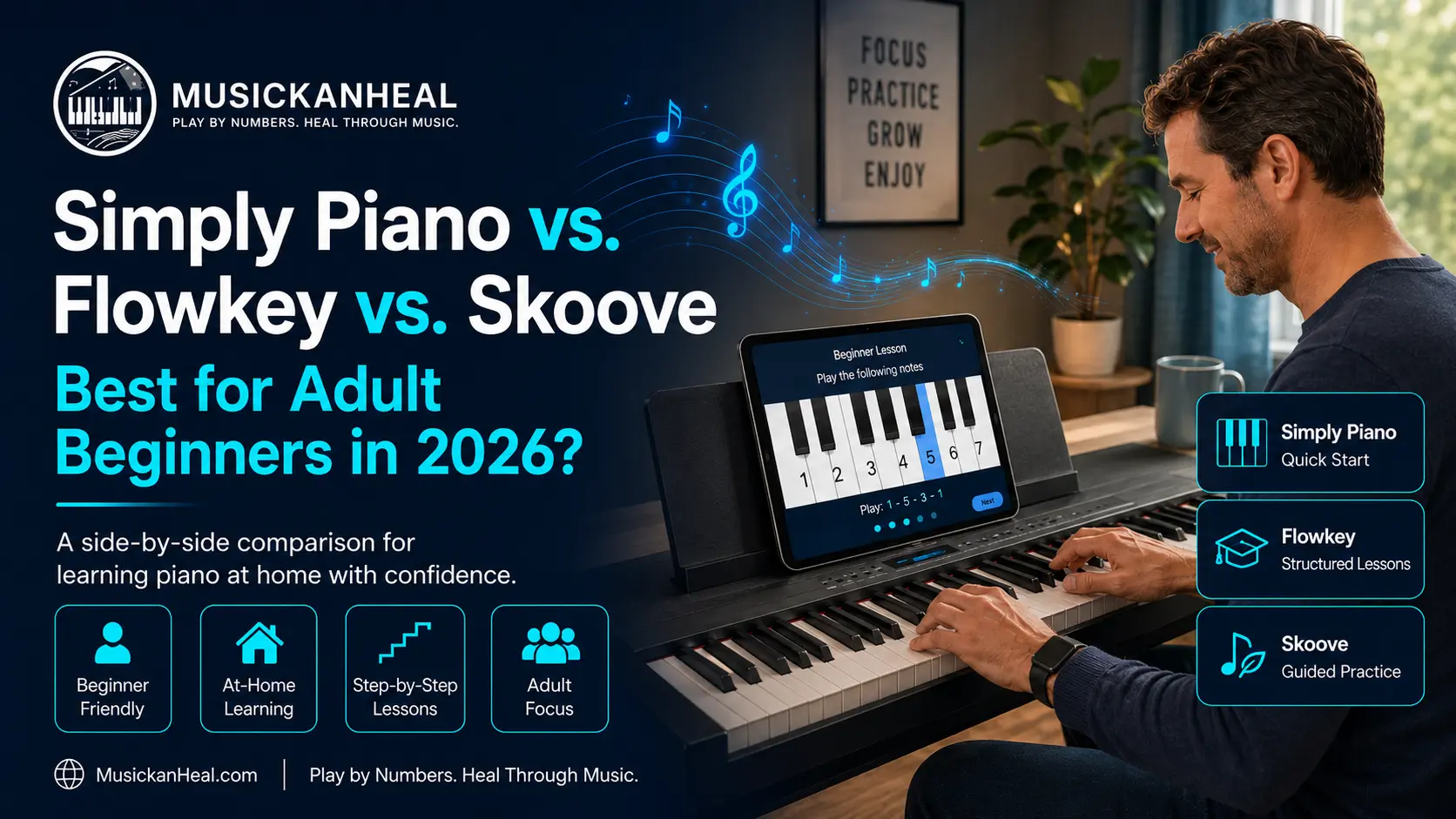
You’ve decided to finally learn piano. You open the App Store, search for a learning app, and immediately land on the same three recommendations: Simply Piano, Flowkey, and Skoove.
Here’s the problem. Most Simply Piano vs Flowkey vs Skoove comparisons tell you all three are “great for beginners” and leave you more confused than when you started. This article doesn’t do that. After reviewing the actual feature sets, current pricing, and what real adult learners say on Reddit and across review platforms, one winner stands out.
One of these apps is clearly better for adults. Two are worth considering in specific situations. And all three share a blind spot that nobody in these comparisons wants to mention.
Simply Piano vs Flowkey vs Skoove: Side-by-Side Comparison
Before the detail, here’s what actually matters at a glance:
| Feature | Simply Piano | Flowkey | Skoove |
|---|---|---|---|
| Best For | Total beginners, kids | Adult self-learners | Adults wanting real technique |
| Interface | Gamified, colorful | Clean, elegant | Clean, structured |
| Teaches sheet music? | Minimal | Yes | Yes (from lesson 1) |
| Song Library | 1,000+ | 1,500+ | 800+ |
| Real-Time Feedback | Yes | Yes (Wait Mode) | Yes |
| Desktop / Web Version | No | Yes | Yes |
| Free Tier | Limited trial | Limited + free songs | 3 lessons free |
| Price (Annual) | ~$169/year | ~$120/year | ~$149/year |
| Free Trial | 14 days | 7 days | Limited free plan |
Prices are approximate and may vary by region and current promotions.
The Simply Piano vs Flowkey vs Skoove gap in annual pricing is significant—Flowkey runs about $50 cheaper per year than Simply Piano. That difference compounds fast if you’re committing for two or three years.
Which App Is Best for Adult Beginners with Zero Experience?
The honest answer depends on one question: why did you stop last time?
If you’ve attempted piano before and dropped off because it felt slow or tedious, Simply Piano is built for you. The app turns practice into something closer to a mobile game. Notes scroll down the screen; you play them, and you earn points. That habit loop isn’t deep, but it works for people who need external motivation to show up daily.
If you’re self-motivated and can commit to 20 minutes a day without being nudged, Flowkey is the stronger pick. The interface treats you like an adult. No badges, no cartoon rewards — just clean sheet music, a video of a pianist’s hands, and a Wait Mode that holds the song until you play the correct note. Flowkey’s official learning platform describes this feature as the core of how the app listens to your playing in real time.
Skoove sits between the two. More structured than Flowkey, less gamified than Simply Piano. If you want to actually understand what you’re playing—not just repeat patterns from a screen—Skoove starts integrating music theory and note reading from the very first lesson.
Most adult beginners should start with Flowkey or Skoove. Simply Piano works, but its ceiling is lower. Reviewers consistently note that the app doesn’t correct technique problems that will slow you down at the intermediate level.
Does Simply Piano Actually Build Real Piano Skills?
Short answer: it builds habits. Whether it builds skills depends on how far you go.
Simply Piano is made by JoyTunes and is consistently rated the easiest piano app to start. The onboarding is smooth, the songs are recognizable from the first session, and most users report playing something real within a day or two. That’s genuinely hard to pull off, and the app deserves credit for it.
But the gamified format has a tradeoff. The falling-note system teaches you where to put your fingers, not why. There’s almost no sheet music instruction, and finger technique tends to deteriorate the further you progress without a teacher to correct it.
That’s a real outcome. But that same person needed other resources to improve past the app’s ceiling.
For adult beginners, Simply Piano is a good entry point. It is not a complete musical education.
Simply Piano vs Flowkey vs Skoove Pricing: What’s the Best Deal?
This is where the Simply Piano vs Flowkey vs Skoove comparison gets straightforward.
- Simply Piano: ~$169.99/year, or roughly $14/month on longer plans. 14-day free trial.
- Flowkey: ~$119.99/year ($9.99/month billed annually), or $19.99 month-to-month. 7-day free trial. Lifetime plan available at $299.99.
- Skoove: ~$12.49/month billed monthly, slightly less on an annual plan. A free plan exists but only includes 3 lessons.
Flowkey wins on value. It’s the cheapest annual plan by a clear margin and the only app that offers a lifetime option—genuinely useful for teachers or households where multiple people will use it.
Skoove’s free tier is the weakest. Three lessons isn’t enough to evaluate anything. Simply Piano’s 14-day trial is the most generous and gives you enough time to decide whether the gamified approach fits you.
If you want to explore what’s available before committing to any subscription, our guide to free piano learning apps covers the best zero-cost options worth trying first.
Which App Works Without a MIDI Keyboard?
All three apps work without a MIDI keyboard, but the experience varies.
Simply Piano and Skoove both use your device’s microphone to detect notes from an acoustic piano or any standard keyboard. This works well enough in a quiet room, though background noise can trigger false readings and incorrect note detection.
Flowkey also supports microphone input, but its wait mode performs noticeably better with a direct MIDI connection. On microphone alone, it occasionally advances past notes you didn’t fully play correctly, which undermines the whole point of the feature.
All three work with a basic 61-key keyboard, which is enough for every beginner lesson in each app. You don’t need a full 88-key weighted instrument to start.
If you’re practicing on a phone with no keyboard at all, the learning value drops sharply. These apps are guided practice tools — they assume you have something to play.
What All Three Apps Get Wrong for Adult Learners
Every comparison article stops at “which app has more songs.” Here’s what none of them say out loud:
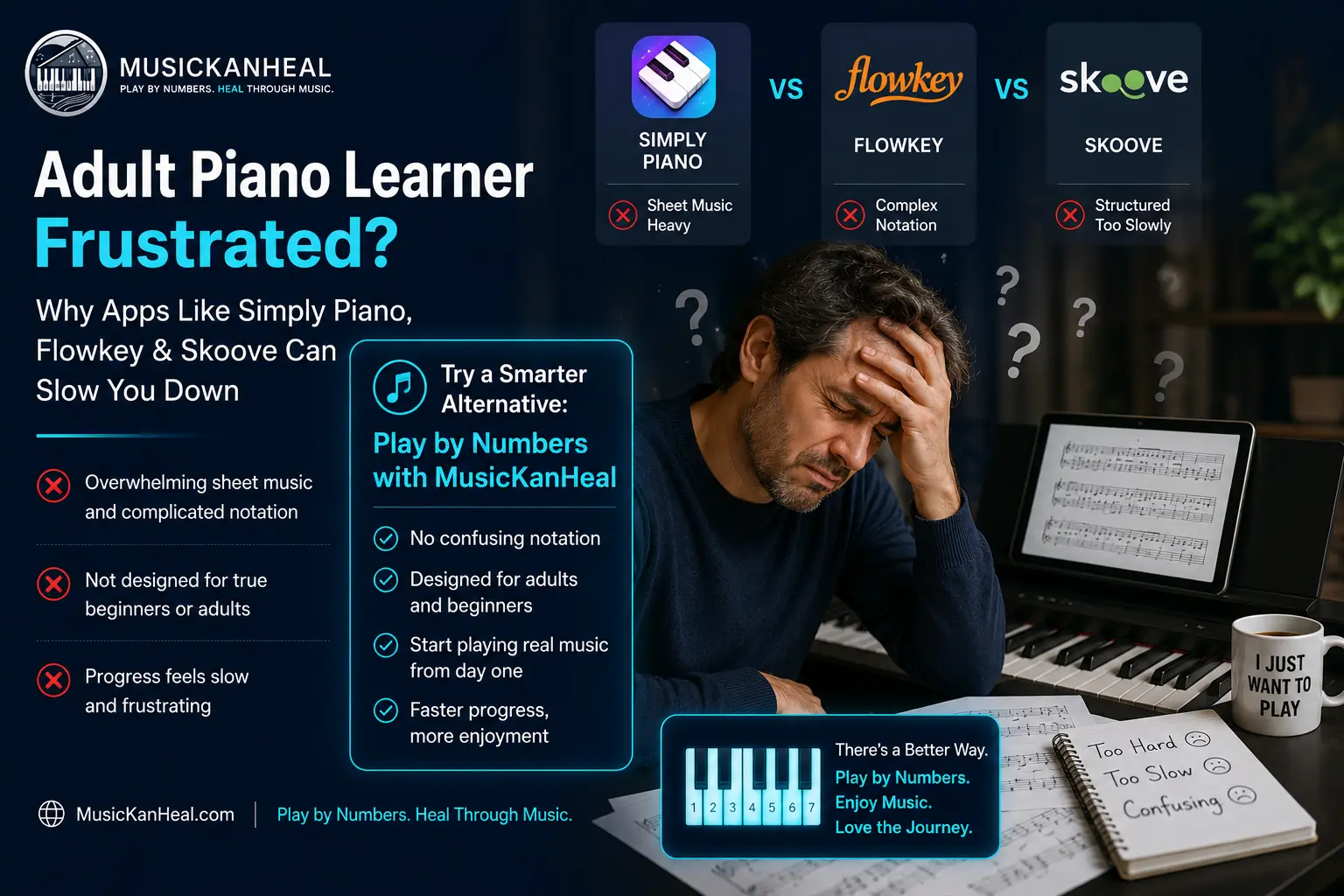
Simply Piano, Flowkey, and Skoove all teach through either falling notes or written sheet music notation. That means to make progress with any of them, you’re either memorizing finger patterns on a screen or slowly building reading fluency in a written musical language that takes months to decode.
For many adults — especially those returning to piano after giving up on lessons years ago — that’s precisely what broke them the first time. Sheet music reading is a separate skill that takes real time to develop. Falling notes build no transferable musical understanding at all. Neither approach connects music to your ear or intuition.
There is a third way to learn piano that none of these apps address: the Nashville Number System, used by professional session musicians to play any song in any key without reading a single note of written music. It builds musical instinct rather than reading speed.
According to testing covered by MasterPiano’s 2026 app comparison, motivation was the single biggest differentiator between adult beginners who stuck with piano apps and those who quit—not the feature set. The method matters less than whether the approach keeps you coming back.
You can see exactly how MusicKanHeal builds piano skills in a way that sidesteps the sheet music barrier entirely.
Conclusion: Which App Should You Actually Download?
The Simply Piano vs Flowkey vs Skoove decision comes down to who you are as a learner:
- Choose Simply Piano if you’ve never touched a piano, you know yourself well enough to know you need gamification to stay consistent, and you want the easiest possible start.
- Choose Flowkey if you’re an adult learner who prefers a clean interface, wants a large song library, and plans to stick with it long-term. At $120/year it’s the best value in this comparison.
- Choose Skoove if your goal is to actually understand music, not just replicate what appears on screen, and you’re willing to move slightly slower in the first few weeks in exchange for a stronger foundation.
Frequently Asked Questions About Simply Piano vs Flowkey vs Skoove
Is the Simply Piano vs Flowkey vs Skoove comparison relevant if I don’t own a piano yet?
Yes—all three apps work with any keyboard, including budget 61-key models under $100. You can even test the interfaces using your device’s microphone before buying anything. For actual practice, you need at least a basic keyboard. The apps won’t do much for you without an instrument to play.
Which piano app is best for adult beginners who want to learn to read sheet music?
Skoove is the strongest option. It integrates sheet music reading from lesson one, treating it as a core skill rather than an optional extra. Flowkey also uses sheet music, though it functions more as a visual guide than something the app actively teaches. Simply Piano barely covers notation at all and is not the right choice if sheet music literacy is your goal.
Can you actually learn piano as an adult using only an app?
You can reach a solid beginner-to-intermediate level — playing recognizable songs with both hands — within a few months of daily practice. Apps fall short on posture correction, tonal expression, and advanced theory. Combining an app with even one monthly lesson from a teacher produces noticeably better results, but regular self-study with a quality app alone is a legitimate path for most hobbyists.
Does Simply Piano work on Android and desktop computers?
Simply Piano runs on iOS and Android. It has no desktop or web version, which is a real limitation compared to both Flowkey and Skoove, each of which works in a browser. If you prefer practicing on a laptop or want a larger screen for reading music, Simply Piano is not an option.
How long does it take to play a real song using Simply Piano, Flowkey, or Skoove?
Most beginners play their first recognizable song within the first week on Simply Piano or Flowkey. Skoove takes slightly longer because it front-loads technique and theory before moving to songs. All three apps are specifically designed to deliver early wins in the first few sessions — that immediate payoff is a large part of what separates them from traditional method books.
All rights are reserved. Copyright 2026 MusicKanHeal | musickanheal.com